
40 Practical Tools
Specific fields and calculations for everyday household supplies.
Create QR labels, track household supplies, and organize everyday essentials with 40 practical tools.
40 tools · Browser-local records · No account needed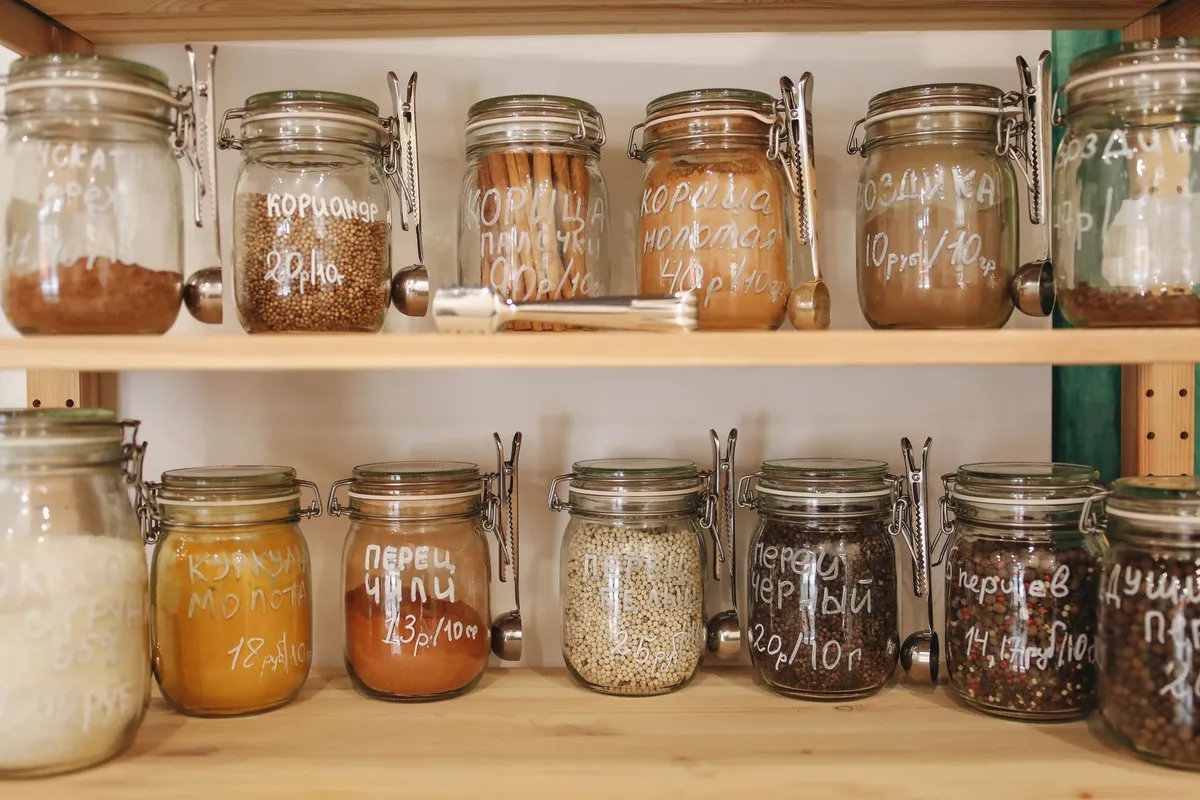
Choose a tool below. Every name opens its own working page.

No tools match your search. Try an item, measurement or category.
Find and update your saved household items.
Arrange saved codes on a label sheet.
Export JSON and restore local records.
Practical steps for keeping labels useful.
Specific fields and calculations for everyday household supplies.
Carry a readable item snapshot from the shelf to your phone.
Inventory stays in your browser. Keep your own JSON backup.
Open a tool and start counting, without registration.
Create your first label and understand what a QR snapshot carries.
Read guide →Choose consistent units and make your consumption assumptions clear.
Read guide →Check quiet zones, page geometry and actual printing scale.
Read guide →In this browser’s localStorage. Export JSON before clearing browser data or changing devices.
No. Save your changes, rebuild the code and replace the printed label. Another device can still read an old snapshot.
Yes. Anyone holding a QR label can read the data it carries. Keep sensitive household information out.