
How to Organize Batteries, Filters and Spare Parts
Spare parts are useful only when their specifications are identifiable. Copy product details accurately and keep incompatible models in separate records, even when their names sound alike.
A practical workflow
- For batteries, record size and chemistry, counted spare cells and cells per device. Use a device name you can recognize during replacement.
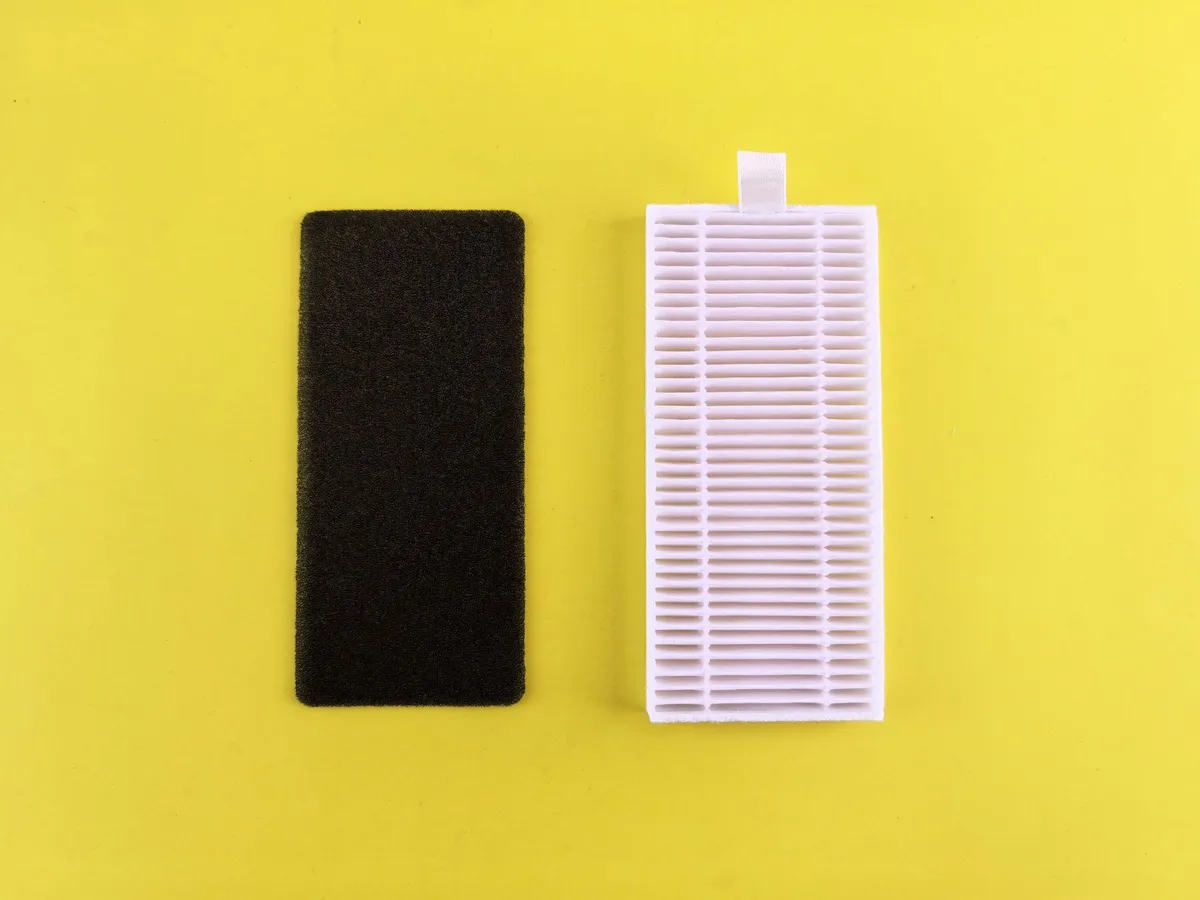
- For filters, copy width, height, thickness and model from the product. Enter the actual installation date and a manufacturer interval rather than a guessed standard.
- For bulbs and cables, record the base or connector and the labeled electrical specifications. Use the notes for identification, not unsupported compatibility claims.
- When a spare is installed, reduce spare stock and update the installed-item record. Rebuild its label and export the inventory after significant changes.
Worked example
Twelve AA cells for devices needing two cells give floor(12 ÷ 2) = six complete sets. Eleven cells give five complete sets with one spare cell remaining. A three-cell device would produce a different result from the same inventory.
A common mistake
Matching a connector shape or bulb base is not sufficient to establish electrical compatibility. Check the device, fixture and product instructions before use.
Questions
Can I mix AA and AAA counts? Use separate records; they are different sizes and cannot substitute for one another.
Does the filter size calculator certify a replacement? No. The stored dimensions and model help you verify the product; they do not replace installation requirements.
Limits to keep in mind
No automatic manufacturer compatibility database is used. Every product specification comes from user input.