
Remove a failed cable from spare stock
Illustrative inputs, not verified product specifications or care recommendations.The household question
One of three counted spares is no longer available for use.
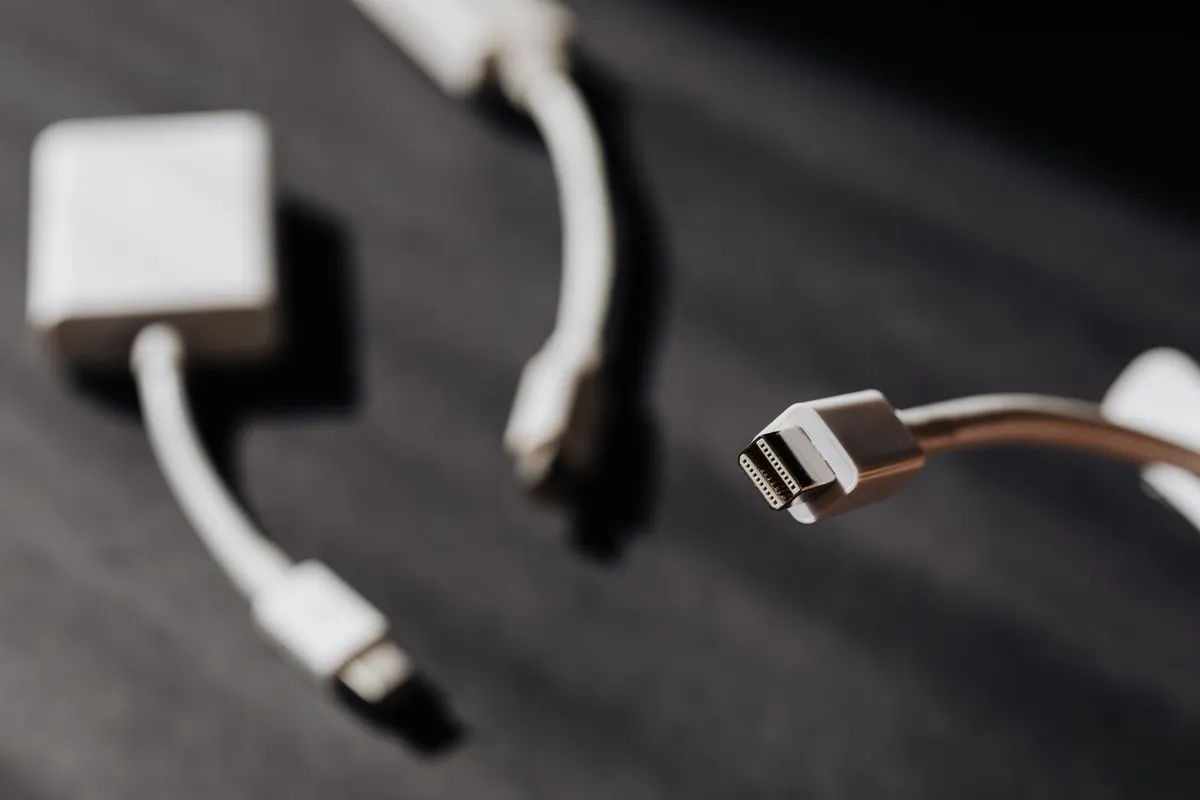
Measurements and assumptions
Before the change
| Connector type | USB-C to USB-C |
|---|---|
| Cable length (m) | 1 |
| Rated power (W) | 60 |
| Associated device | Desk |
| Spare cables | 3 |
| Item name | Remove a failed cable from spare stock |
| Storage location | Household supply shelf |
| Minimum stock | 0 |
After the change
| Connector type | USB-C to USB-C |
|---|---|
| Cable length (m) | 1 |
| Rated power (W) | 60 |
| Associated device | Desk |
| Spare cables | 2 |
| Item name | Remove a failed cable from spare stock |
| Storage location | Household supply shelf |
| Minimum stock | 0 |
Carry out this task
- Save the Before values on the linked tool.
- Reduce the spare count after separating the failed item.
- Calculate & Save the After values on the same item. Check the ID is retained rather than creating another physical item.
Calculation and observed tool result
Before
Counted stock = 3; keep the entered specifications with this label.Recorded quantity: 3 items.
After
Counted stock = 2; keep the entered specifications with this label.Recorded quantity: 2 items.
What the result means
Two available spares remain recorded.
Limits of this example
Fault diagnosis and disposal instructions are outside this label tool.
A mistake to avoid
Leaving failed equipment in usable stock can mislead the next user.
Open Cable & Adapter Identification Label Maker · How to Create a Moving Box QR Inventory